We’ve been listening to your feedback — and we’re excited to roll out three updates that give you more control, better communication with guests, and a clearer way to manage your listing.
Let’s dive in!
InstantBook Now Available for More Hosts
We’re expanding InstantBook access to even more hosts!

What’s new:
Starting now, hosts who are meeting, or exceeding their host metrics can enable Instant Book directly from their My Listings section.
Why it matters:
Guests love the ease of Instant Book, and listings with this feature earn more and book faster. In fact, hosts using Instant Book see up to 10% more bookings! Hosts can also cancel penalty-free within 24 hours.
Who gets it:
✅ Any hosts whose host metrics are meeting or exceeding the community standards.
How to turn it on:
Go to My Listings → Edit Listing → Earn more → Enable Instant Book.
💬 Pre-Booking Messages for Everyone
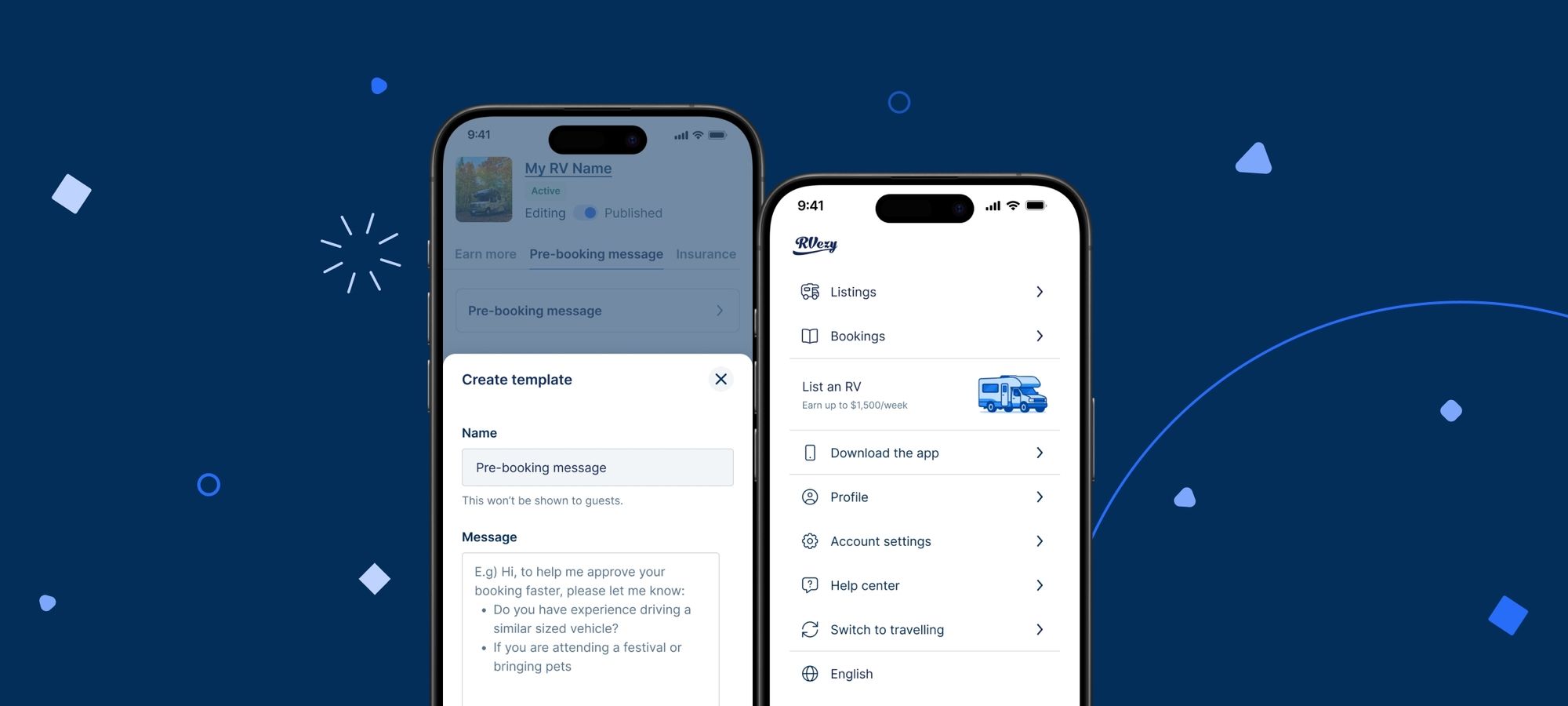
You asked — we listened. The Pre-Booking Message feature is now available to all hosts, not just those using InstantBook.
What’s new:
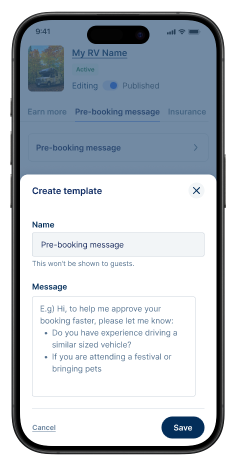
Now, every host can ask important trip questions for the guest to answer during their booking request. Want to know about the tow vehicle, if guests are attending a festival, or if they’re bringing pets? You can now collect that information upfront.
How to set up your message:
Head to My listings → Edit listing → Pre-booking message.
We’ve even included suggested templates based on your RV.
🧼 Cleaning Fee Changed to Preparation Fee (and Why That Matters)
To better align expectations between hosts and guests, we're renaming the Cleaning Fee to the Preparation Fee so guests can understand the purpose of this charge.
Why we made the change:
This isn't just a new label—it's about setting the right expectations. The Preparation Fee now clearly communicates that it covers preparing the RV for the stay, but not excessive cleaning. Guests are responsible for leaving the RV in reasonable condition.
What it covers:
✔ Sanitizing surfaces
✔ Restocking essentials
✔ Light cleaning
✔ Sweeping/mopping between rentals
✔ Light cleaning of dishes, silverware, and utensils
What it doesn’t cover:
❌ Cleaning up excessive messes
❌ Trash or food removal
❌ Washing excessive dishes
❌ Cleaning due to rule violations (smoking, pets, festivals)
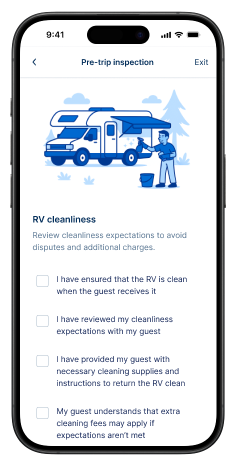
We've also updated tooltips and help text, and introduced cleanliness guidelines to inspections to help everyone stay aligned.
Hosting/Travelling Mode
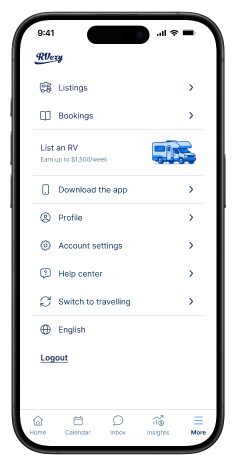
Just like the mobile app, we've added a switch on web and mobile web to toggle between hosting and travelling modes. We've also updated the navigation menu to provide hosts with faster access to their calendar, inbox, and insights.
What’s new:
As a host, you will now default to hosting mode, allowing you to focus on managing your calendar, responding to inquiries, and handling your listings. If you want to rent, you can easily switch to travelling mode. This function operates just like in the RVezy app.
We also updated the main host navigation on web and mobile web to give hosts one-click access to their calendar, inbox, insights and listings.
How to find it:
Look for the mode toggle by tapping the more menu, and selecting either “Switch to hosting” or “Switch to travelling”.

Team RVezy
Team RVezy is a group of RV enthusiasts who traverse the U.S. and Canada in our campervans, tiny trailers, and motorhomes. We love the open road and the feeling of having nowhere to go but everywhere.
View more posts